Setup guide
From install to Merchant Center
Follow these steps in order. You only need Shopify Admin—no separate AdFeed login. Approval timing and outcomes are Google’s decision.
-
1
Install AdFeed AI
In Shopify Admin, open Apps and install AdFeed AI. The app opens as an embedded App Home (Home / Plans). There is no extra AdFeed username or password.
-
2
Confirm your ad brand
In the right sidebar, find Ad brand (next to Change). Set the brand shoppers should see in Google—not the 1688 factory or supplier name—then confirm.
Wrong brand is one of the fastest ways to look untrustworthy in Shopping ads.
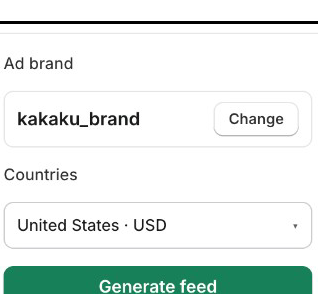
Ad brand Confirm here, then choose market and generate
-
3
Choose your market
Select the country you will advertise in (for example United States). Feed currency and market pricing follow that choice where available.
-
4
Select products
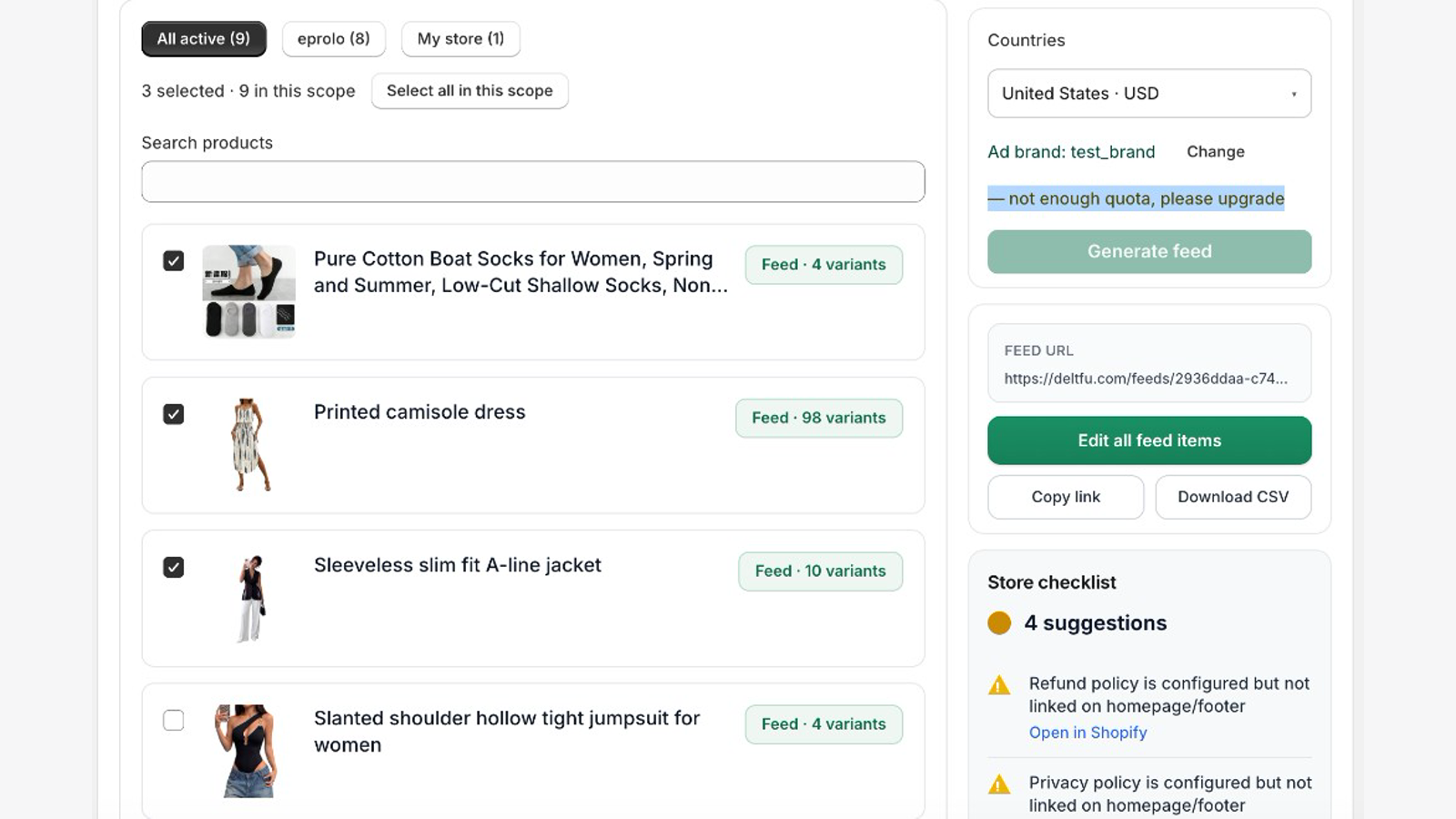
Check the products you want in the feed. Review optional color/size tips if shown. You can also pick which image should be the feed main image for a SKU.
Products without Color/Size options can still generate. The app does not invent barcodes (GTIN) or cost.
-
5
Generate the feed
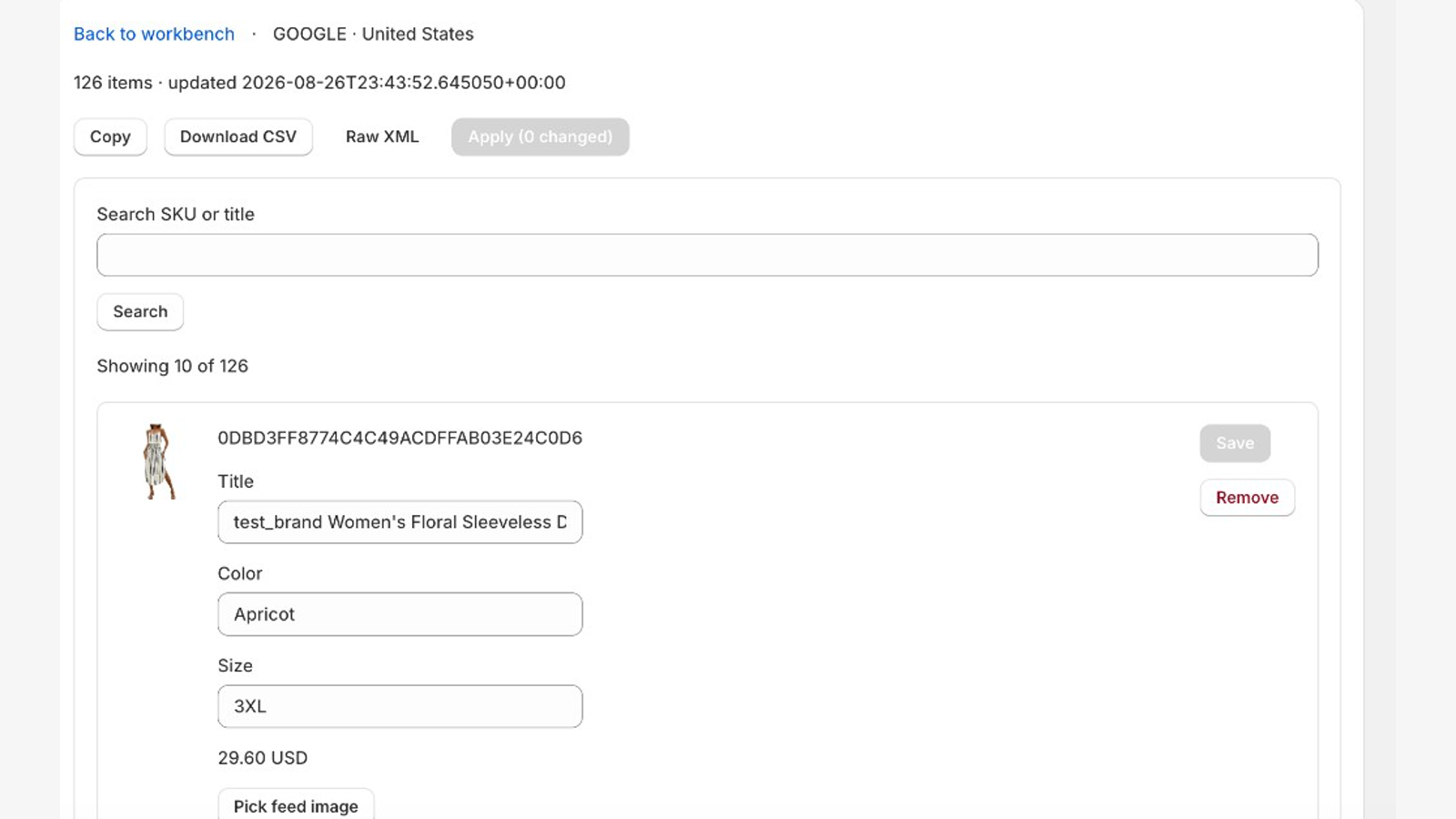
Click Generate feed, confirm the selection, and wait until generation finishes. In the sidebar, use Copy on the feed URL. Open it in a browser—you should see your product feed XML (not a 404).
-
6
Upload the feed URL in Google Merchant Center
You do not upload a file from your laptop. You give Google a scheduled URL that AdFeed hosts.
In Google Merchant Center- Open Products → Feeds (or Add products / Data sources, depending on your MC UI).
- Create or edit a feed for your target country.
- Choose input method Scheduled fetch / Fetch from URL.
- Paste the AdFeed feed URL you copied. Set a fetch schedule (daily is common).
- Save. Google will fetch and review products—initial review can take days. Approval is Google’s decision.
After you regenerate in AdFeed, the same URL updates; you usually do not need a new MC feed entry.